Monthly
Billed monthly$7.99 / month
Live voice chat
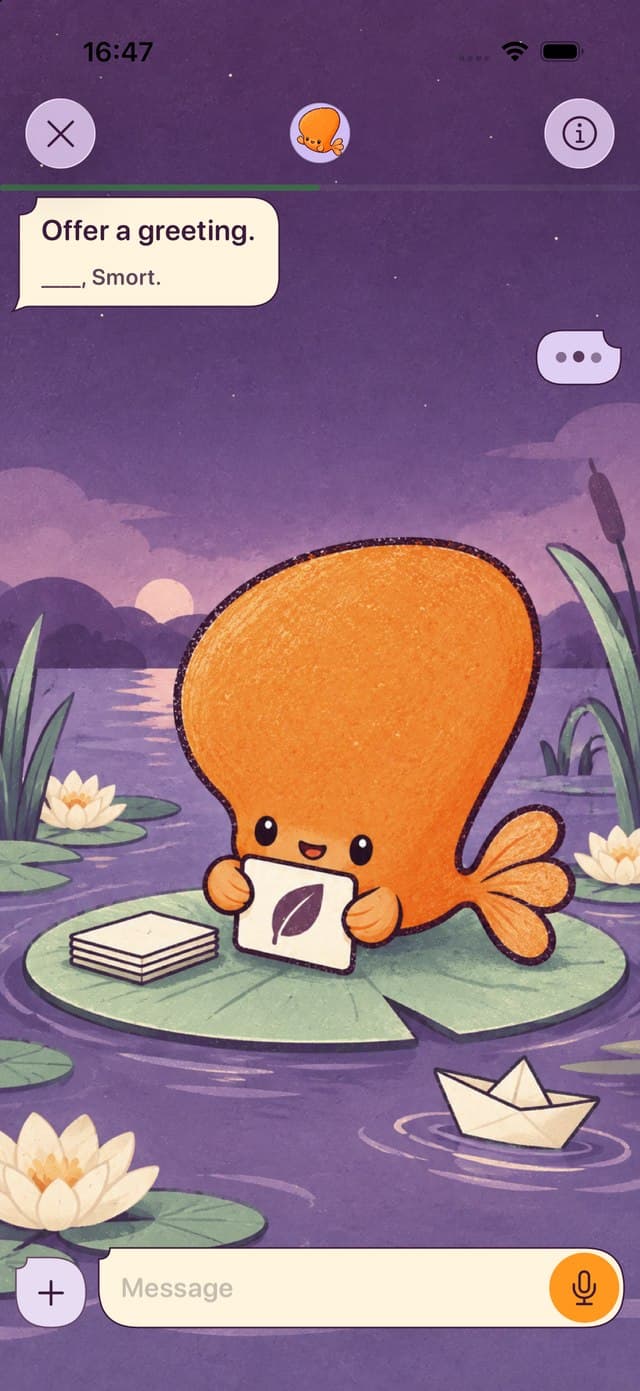
Order dinner, talk about your weekend, or follow a topic you’re curious about. Smort talks with you in the language you’re learning.
Follow the conversation and read translations of Smort’s replies.
Ask for help or choose a slower speaking pace.

Choose words from your conversation, review and edit the flashcards, and save the ones you want. Then practice recalling them over time.
Say it out loud or type it in before turning the flashcard over.
Check the feedback to see what you got right and what you missed.
Smort schedules your next review based on how well you remember each flashcard.
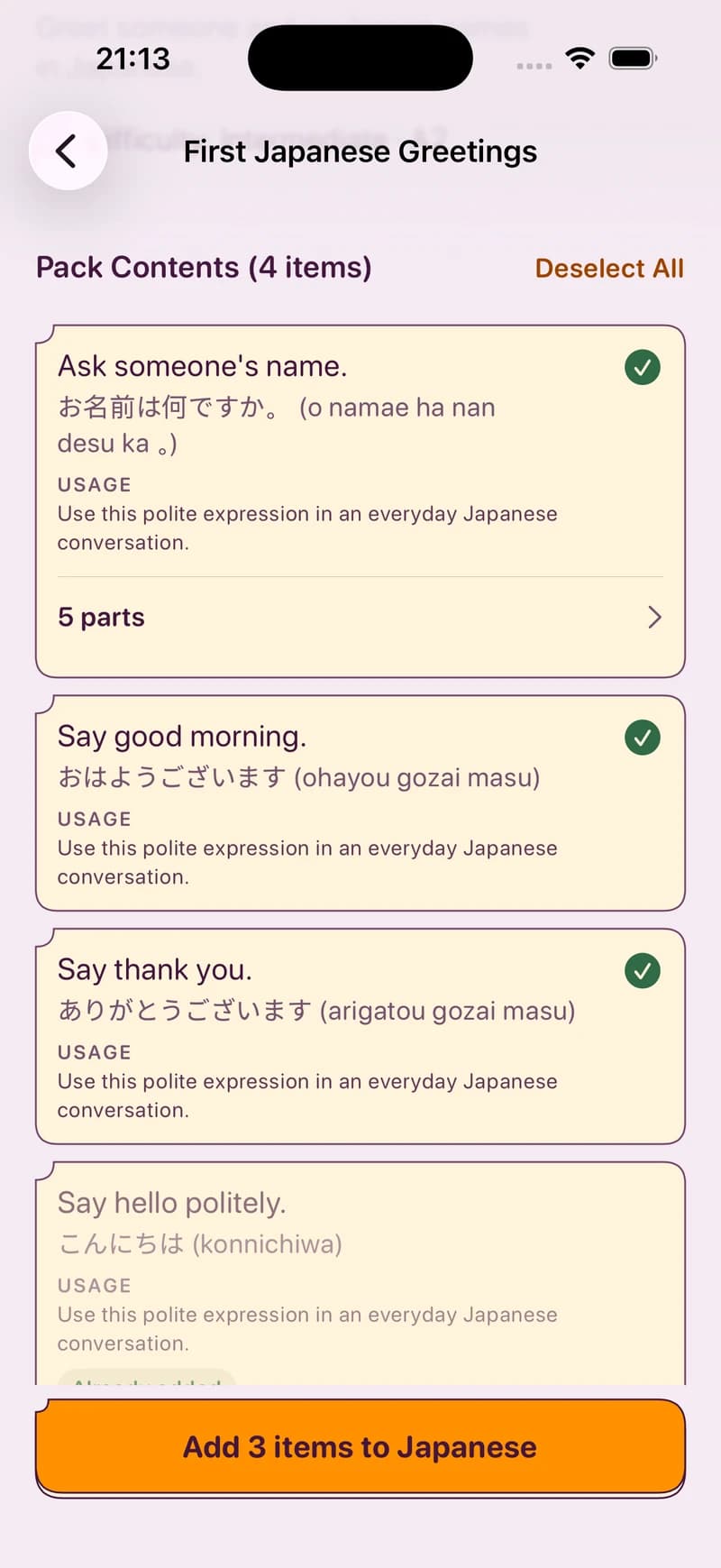
Choose a language Pack and start practicing with flashcards made and reviewed by Smort.
Browse Official PacksWrite them yourself, or use Smort AI to draft vocabulary cards from a topic, word list, or screenshot. Check and edit each one before saving.
Get to know Smort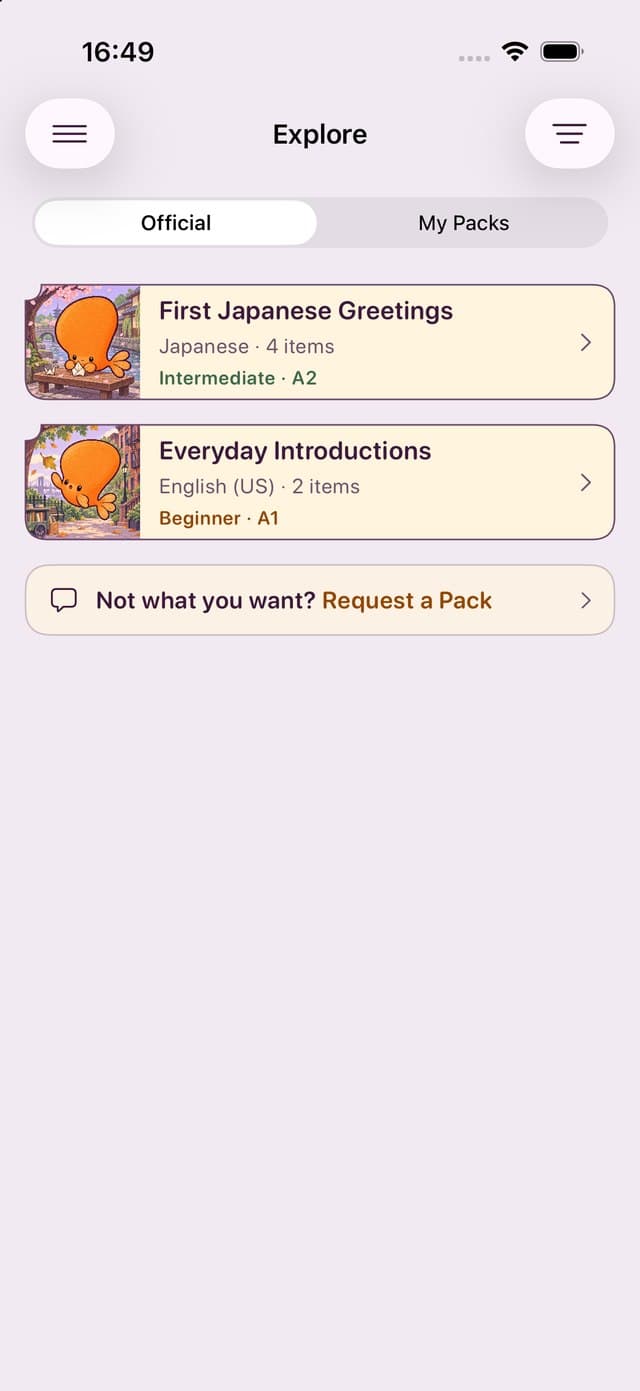
Import an Anki .apkg and keep the review progress Smort supports, or start fresh. Some cards and formatting won’t carry over. Check the import guide before switching.
Monthly or annual, you get a full week with Smort before you pay.
$7.99 / month
$79.99 / year
$6.67 a month. Save 16%.
Smort requires a subscription; there is no free plan. The free trial is for new subscribers. Prices shown are in USD; local pricing and your trial eligibility are shown in the app before purchase. Subscriptions renew automatically unless canceled in your Apple Account settings.

Chat with Smort in the language you’re learning.
Then keep the new words with flashcards.
 Join waitlistComing soon on iPhone