
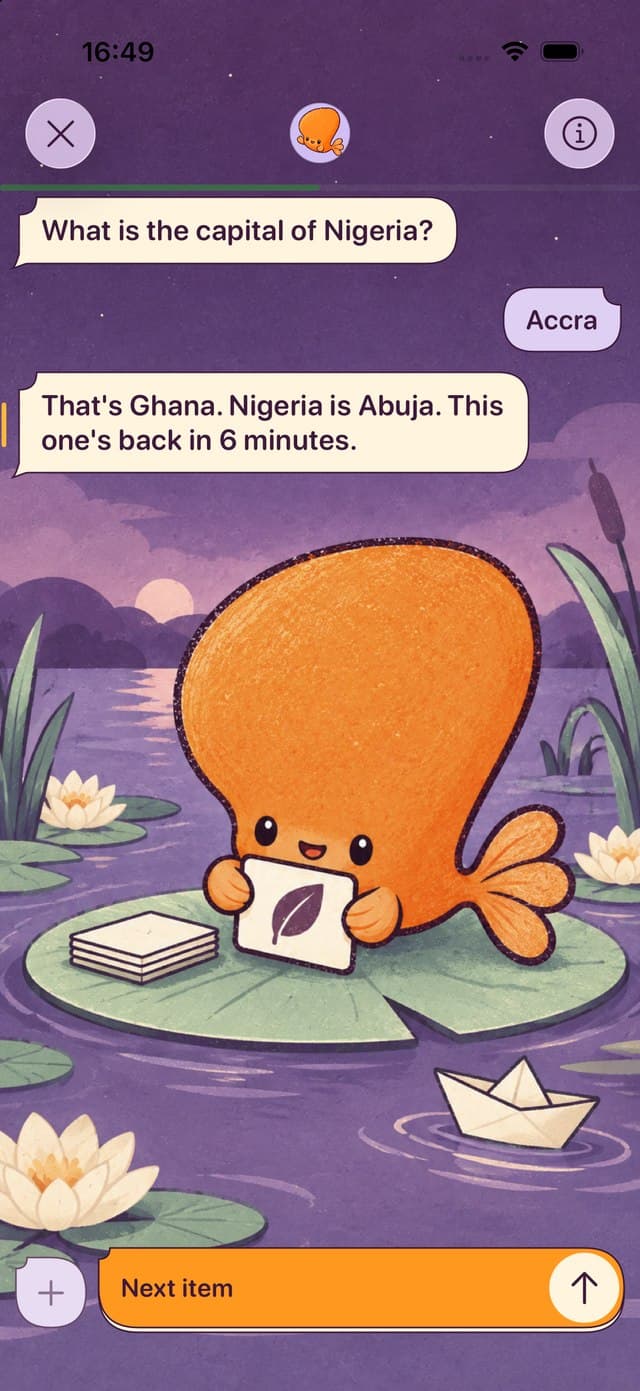
Pick AnkiMobile for your existing Anki decks, Quizlet for shared sets, RemNote for notes plus flashcards, Brainscape for confidence ratings, and Mochi for local-first Markdown. Our app, Smort, lets you answer by voice or text. Its release status is listed below.
Publisher disclosure: Smort publishes this guide and appears in it. We recommend other apps when their workflow is a better match. Smort’s status: Private beta. It requires an iPhone with iOS 26 or later.
Which app fits how you study?
Start with what you already have and what you want to do on your phone every day.
- Existing Anki collection
- Choose AnkiMobile to keep using your Anki decks and schedules. See the AnkiMobile alternatives guide before migrating.
- Voice or typed recall
- You can try spoken or typed answers in Smort’s private beta. It hasn’t launched on the App Store yet.Private beta
- Ready-made shared sets
- Quizlet is useful for finding study sets and sharing them with classmates. Leaving Quizlet? See the Quizlet alternatives guide.
- Notes, PDFs, and cards together
- RemNote keeps flashcards alongside the notes and PDFs they came from.
- A simple confidence scale
- Choose Brainscape when rating recall from 1 to 5 feels most natural.
- Markdown and local files
- Choose Mochi for local-first cards, offline use, and optional paid sync.
Six iPhone flashcard apps compared
Here’s how each app handles making and reviewing cards. For more on importing Anki decks, see our AnkiMobile alternatives guide.
| App | Create cards | Review method | Offline and sync | Price model |
|---|---|---|---|---|
| AnkiMobileiPhone and iPad | Edit on mobile, with deeper setup and add-ons on desktop | Anki scheduling with tap-based self-grading | Offline study with optional AnkiWeb sync | $24.99 one-time purchase in the US App Store Checked August 22, 2026 |
| SmortPrivate betaiPhone with iOS 26 or later | Manual cards, .apkg imports, or optional Smort AI creation | Recall by voice or text, then self-grade or request AI feedback | Practice voice is on-device; eligible Quick Questions use Soniox with Apple fallback | Subscription required: $7.99/month or $79.99/year (USD) Checked August 22, 2026 |
| QuizletiPhone and iPad | Create sets or use a large library of shared study sets | Flashcards plus guided modes such as Learn | Account-based sync; feature access varies by plan | Free download with optional subscriptions Checked August 22, 2026 |
| BrainscapeiPhone and iPad | Make cards or study public and expert-created content | Rate confidence from 1 to 5 to schedule repeats | Mobile study with account sync; plan access varies | Free basic study with optional Pro Checked August 22, 2026 |
| RemNoteiPhone and iPad | Build flashcards inside linked notes and PDFs | Spaced repetition connected to a knowledge base | Offline use and cloud sync are advertised | Free plan with optional Pro Checked August 22, 2026 |
| MochiiPhone and iPad | Write Markdown notes and flashcards | Spaced repetition in a local-first workspace | Local offline use with optional paid sync | Free offline use; Pro adds sync Checked August 22, 2026 |
Choose in four questions
The app with the longest feature list is rarely the one you will open every day.
- Are you protecting an existing collection? If yes, compatibility outranks novelty. Start with AnkiMobile, then verify any import before switching.
- Where will cards come from? Pick Quizlet for shared sets, RemNote for notes and PDFs, Mochi for Markdown, or Smort for manual, imported, and optional AI-created cards.
- How do you want to answer? AnkiMobile uses familiar self-grading, Brainscape asks for confidence, and Smort centers voice or typed recall.
- What must work without a connection? Read each app's offline and sync features carefully. In Smort, Practice speech runs on the device; eligible Quick Questions use Soniox with Apple as a fallback.
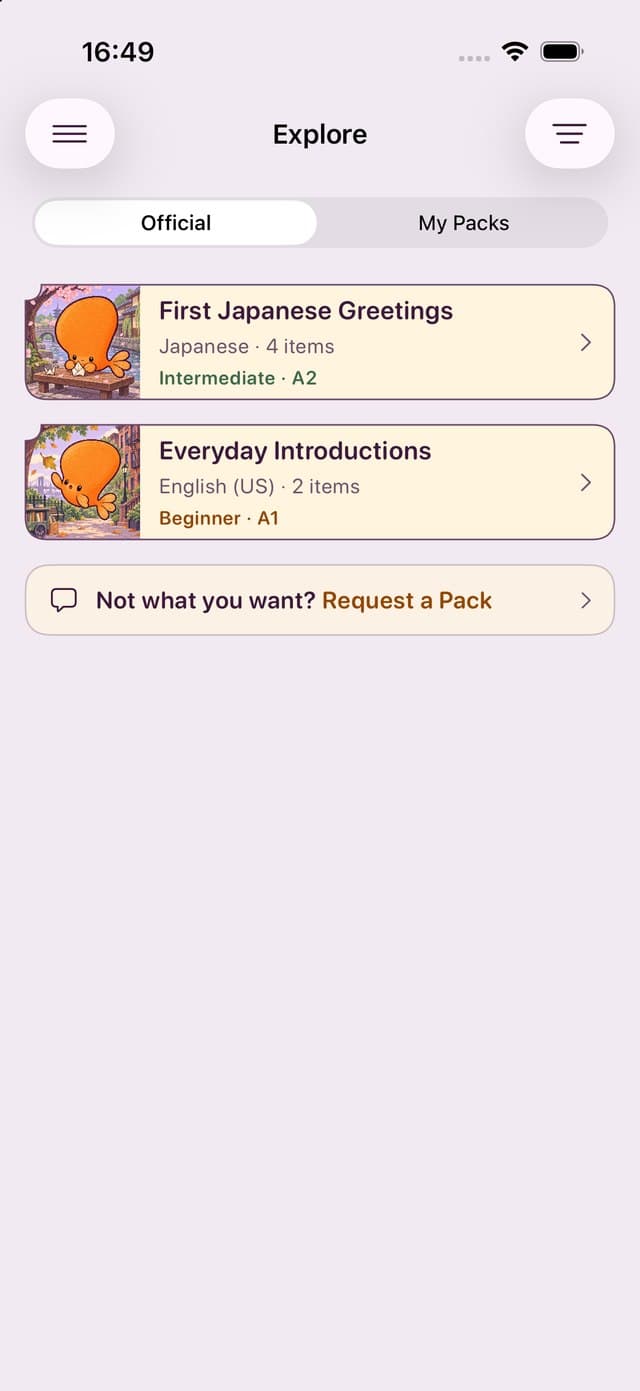
What matters when you’re choosing
Think about what you’d miss from your current app as well as what you’d gain.
Compatibility or a new review style
If you try a different way to review, check that your existing cards still work.
Shared library or personal ownership
Public sets save setup time, while local files offer more control over your material.
Focused app or knowledge system
A flashcard app keeps things simple. Linked notes give you somewhere to keep the longer explanation.
Upfront price or subscription features
Check what’s included for free and which features need a subscription.
Availability matters: Private beta is not the same as a generally available App Store app. If you need an App Store app today, choose one of the other options and check back when Smort launches.
Methodology and sources
Scope: This is an iPhone guide, not an Android market survey. Each published third-party app has a current iOS listing. Smort's separate status shows whether it is on the App Store, in an open TestFlight beta, or in private beta.
Criteria: Card creation, review method, offline use and sync, price model, best use case, and the most important tradeoff. We use first-party product pages and App Store listings, with dates beside prices and features that may change.
What we did not do: We haven’t tested every app ourselves, so this guide uses published documentation rather than test scores. We make Smort and like spoken answers, but tapping a grade can be quicker.
Primary sources: Anki websiteAnkiMobile manualUS App StoreSmort websiteSmort Anki Deck AnalyzerUS App StoreQuizlet import helpBrainscape pricingUS App StoreBrainscape Anki import helpRemNote pricingUS App StoreRemNote Anki import helpMochi websiteAnki import documentationUS App Store