
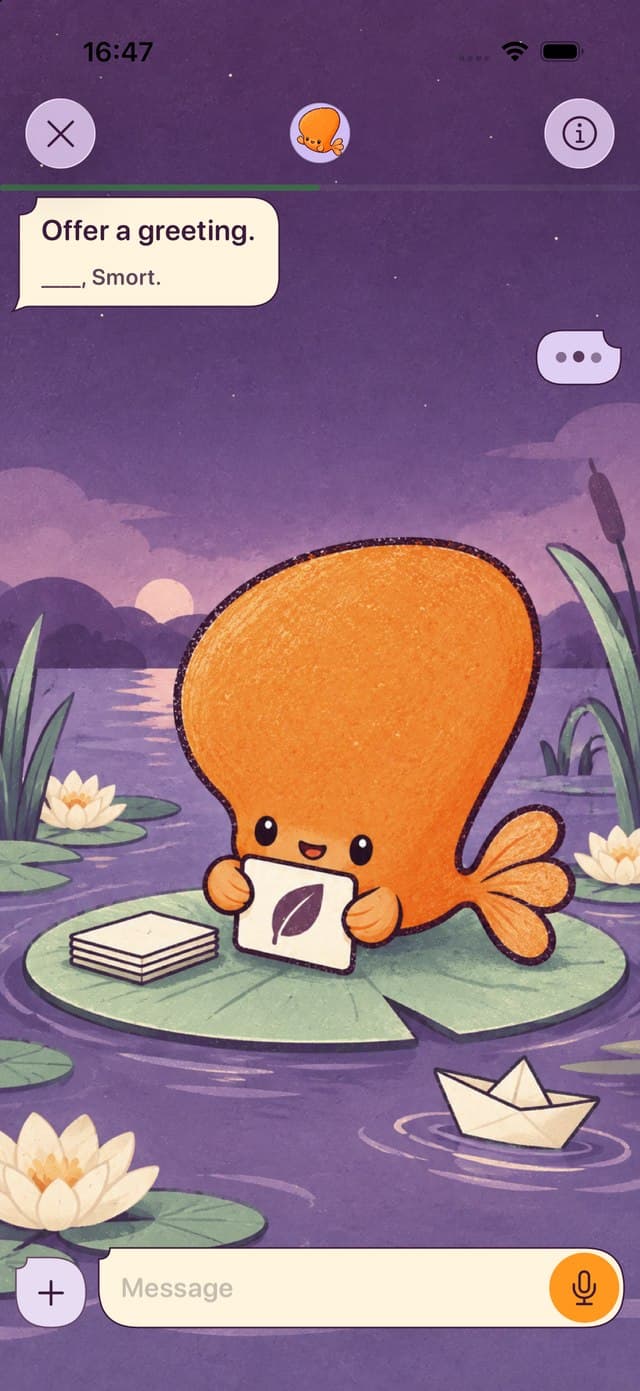
Pick Preply for 1-on-1 lessons with a human tutor, more than 90 languages, help with your pronunciation, or Android and the web. Pick Smort for AI conversation in Spanish, Japanese, Mandarin, and more without a tutor subscription, or to bring your Anki decks.
Publisher disclosure: Smort publishes this page and is one of the two apps in it. We say where Preply is the better pick. Smort’s status: Private beta. It requires an iPhone with iOS 26 or later.
Smort vs Preply, side by side
How each app gets you talking, what you keep, and how you review it.
| Topic | Preply | Smort |
|---|---|---|
| How you talk | 1-on-1 video lessons with a tutor you choose, in Preply Classroom. Lessons are 25 or 50 minutes, or longer in 30-minute steps. Scenario Practice, 3-minute AI speaking tasks, is a limited beta for some English learners. | Live Voice Chat on a topic you pick or type, with captions and translations. Tap Help me or ask Smort to slow down. Up to 100 minutes a month. |
| Languages for English speakers | Preply lists tutors for more than 90 languages, including Spanish, French, German, Japanese, Chinese, and Arabic. | Spanish, Japanese, Mandarin, French, German, and more. |
| Feedback when you speak | Your tutor tailors each lesson to your goals. For English lessons, AI Lesson Insights give feedback on vocabulary, grammar, and speaking. TalkNow speaking exercises, in beta, give pronunciation and grammar feedback. | Checks what you said, not your accent. Kana or kanji both count in Japanese. Simplified and traditional characters count as the same word in Mandarin. |
| What you keep after a chat | Turn on Lesson Insights, for English lessons, to get an AI summary with key vocabulary and suggested exercises. Messages, files, notes, and vocabulary stay in Preply Classroom. | Pick up to 10 words. Smort drafts the flashcards, and you edit them before you save. |
| How you review | Your tutor can send homework after a lesson. English and Spanish learners also get vocabulary flashcards in Preply Classroom. | Say or type each card from memory before you see the answer. Spaced repetition brings it back when it’s due. |
| Your own material | Your tutor plans each lesson. English and Spanish learners get Preply’s library of learning materials. The Vocab by Preply browser extension saves words from web pages to your flashcards. | Make cards from a topic, your notes, or a screenshot. Import Anki .apkg decks. |
| Price | Tutors set their own rates. Spanish lessons start at $3. You subscribe to one tutor, from 4 lessons every 28 days, and lessons you don’t schedule before renewal expire. Trial lessons are paid, and you can try another tutor for free if you’re not satisfied. | Subscription required: $7.99/month or $79.99/year (USD). One plan, with a 7-day free trial for new subscribers. |
| Devices | iPhone and iPad with iOS 15.1 or later, Android, and a web browser. The whiteboard and screen sharing need a computer. | iPhone with iOS 26 or later. |
When Preply is the better pick
- You want a real tutor
- Preply has 1-on-1 lessons with a tutor you choose, from more than 100,000 tutors. Smort’s conversation partner is AI.
- You want a less common language
- Preply lists tutors for more than 90 languages. Smort’s Voice Chat speaks Spanish, Japanese, Mandarin, French, German, and more.
- You want help with your pronunciation
- A Preply tutor hears you speak and can work on your pronunciation, and TalkNow, in beta, gives pronunciation feedback. Smort checks what you said, not your accent.
- You use Android or a computer
- Preply runs in a web browser and in its apps for Android and iOS. Smort needs an iPhone with iOS 26.
When Smort is the better pick
- You want AI conversation beyond English
- Preply’s Scenario Practice is a limited beta for some English learners with a tutor subscription. Smort’s Voice Chat speaks Spanish, Japanese, Mandarin, French, German, and more, on a topic you pick or type.
- You don’t want a tutor subscription
- A Preply subscription is with one tutor, from 4 lessons every 28 days, and TalkNow and Scenario Practice are built to go with those lessons. Smort is one subscription with no tutor, with up to 100 minutes of Voice Chat a month.
- You have Anki decks
- Smort imports your .apkg decks. Preply’s vocabulary flashcards live in Preply Classroom, and its Vocab by Preply extension adds words from web pages.
Methodology and sources
Criteria: How each app gets you talking, what you keep afterward, how you review, your own material, price, and devices. Preply facts come from its own pages, and Smort facts from its App Store description.
What we did not do: We didn’t score either app. Preply changes often, so check its own pages for the latest.
Primary sources: Preply home pagePreply help: How does my Preply subscription work?Preply help: How to book a trial lessonPreply help: Preply Classroom, a student’s guidePreply help: Lesson InsightsPreply help: Scenario PracticePreply help: TalkNowPreply help: Vocabulary extension toolPreply Spanish tutors and pricesPreply on the US App Store