
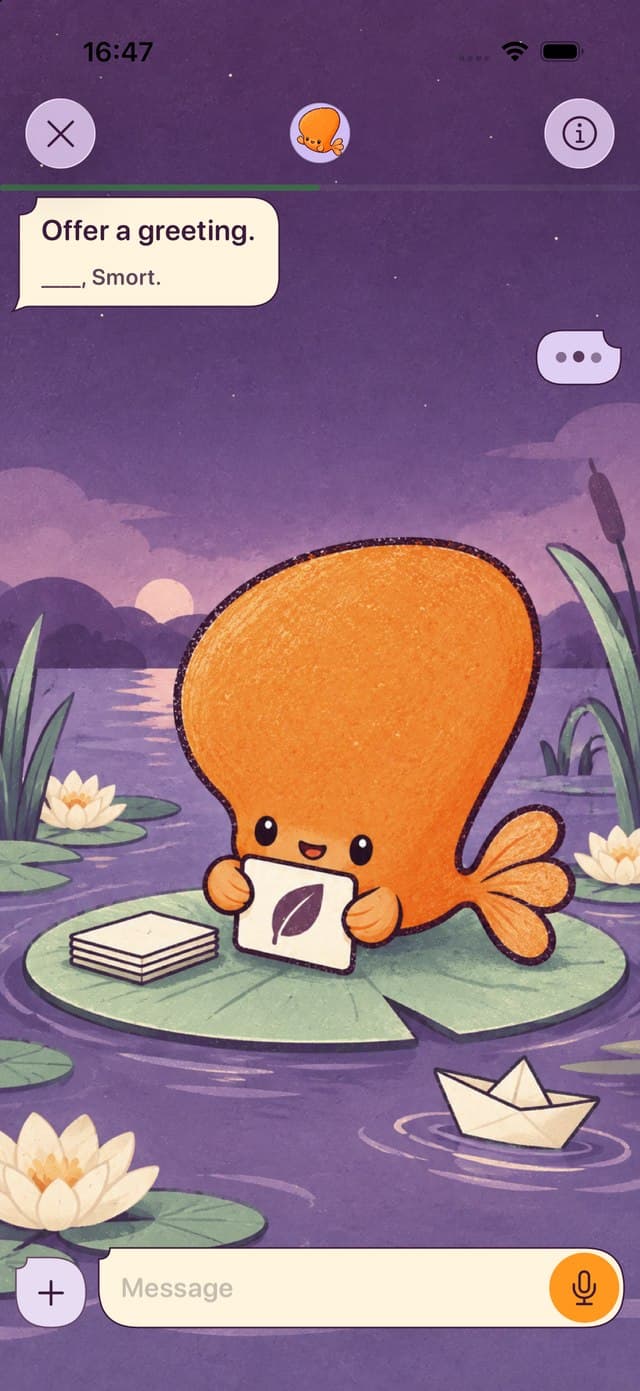
Pick Knowt or Gizmo to bring a Quizlet set across quickly and keep similar study modes. Pick Anki for free desktop spaced repetition with full control, Brainscape for confidence ratings, RemNote for notes and flashcards together, and Mochi for local Markdown cards. Our app, Smort, has you answer by voice or text.
Publisher disclosure: Smort publishes this guide and appears in it. We recommend other apps when their workflow is a better match. Smort is currently Coming soon and requires an iPhone with iOS 26 or later.
What Quizlet’s free plan limits
Quizlet’s free plan still has flashcards and practice questions. Most people look for an alternative because of the study modes that are limited or paid.
- Learn has a round limit
- Free accounts can use Learn for a limited number of rounds on each set.
- One practice test per set
- Free accounts get one Test per flashcard set.
- Ads on the free plan
- Quizlet runs ads to stay free. Paid subscribers don’t see third-party ads.
- Paid plans have tiers
- Quizlet Plus has monthly usage limits. Plus Unlimited is the top tier. Check the price in the app before you subscribe.
Sources, checked September 28, 2026: Quizlet subscription help Quizlet study mode help Quizlet ads help
Which alternative fits how you study?
Start with where your cards are today and how you want to answer them.
- Keep the Quizlet feel
- Knowt has Learn mode, practice tests, and matching, and imports Quizlet sets.
- Quiz from a set link
- Gizmo imports a Quizlet set from its link and turns it into quizzes.
- Full control, free on desktop
- Anki is free on desktop and Android. AnkiMobile is a one-time purchase on iPhone.
- Voice or typed answers
- Smort is our app. It will let you say or type each answer. It’s coming soon.Coming soon
- A simple confidence scale
- Brainscape asks how well you knew each card, from 1 to 5.
- Notes or Markdown with your cards
- RemNote keeps cards inside linked notes. Mochi keeps them in local Markdown.
Seven Quizlet alternatives compared
How each app takes your Quizlet sets, how you review, and what it costs.
| App | Bring your Quizlet sets | Review method | Price model |
|---|---|---|---|
| KnowtiPhone, Android, and web | Chrome extension, or paste Quizlet's exported text. Knowt says the extension can fail when Quizlet blocks it. Knowt Quizlet import help | Learn mode, practice tests, matching, and spaced repetition | Free plan; Ultra is $24.99/month or $149.99/year on the Knowt website Checked September 28, 2026 |
| GizmoiPhone, Android, and web | Magic Import from a Quizlet set link; free accounts have a daily import limit Gizmo Quizlet import help | Quiz-style review with spaced repetition | Free with limits; the Unlimited price depends on device and region Checked September 28, 2026 |
| AnkiMobileiPhone and iPad | Import the text into Anki desktop, or open a .csv or .tsv file in AnkiMobile Anki text import manual | Anki scheduling with tap-based self-grading | $24.99 one-time purchase in the US App Store Checked August 22, 2026 |
| SmortComing sooniPhone with iOS 26 or later | No Quizlet importer; go through Anki desktop to an .apkg, or paste a word list into Smort AI | Recall by voice or text, then self-grade or request AI feedback | Smort Plus required: $7.99/month or $79.99/year (USD) Checked August 22, 2026 |
| BrainscapeiPhone and iPad | No direct import; paste the text or use AI Bulk Import Brainscape import help | Rate confidence from 1 to 5 to schedule repeats | Free basic study with optional Pro Checked August 22, 2026 |
| RemNoteiPhone and iPad | No Quizlet importer in its help center; save the text as .csv and use the CSV importer RemNote importers | Spaced repetition connected to a knowledge base | Free plan with optional Pro Checked August 22, 2026 |
| MochiiPhone and iPad | No Quizlet importer; save the text as .csv and use the CSV importer Mochi import documentation | Spaced repetition in a local-first workspace | Free offline use; Pro adds sync Checked August 22, 2026 |
Move your Quizlet sets
Quizlet exports a set as text you copy, not as a file. Do this on the Quizlet website.
- Open the set on the website. Go to Your library, then Flashcard sets, and open the set. The iPhone and Android apps can’t export.
- Export it. Open the more menu and choose Export.
- Choose the separators. A tab between term and definition and a new line between cards works with most importers. Use a comma if you need a .csv file.
- Copy the text. Paste it into the new app, or save it as a .txt or .csv file for apps that import files.
- Check the result. Compare the card count, and look at cards that had images. Quizlet doesn’t export images.
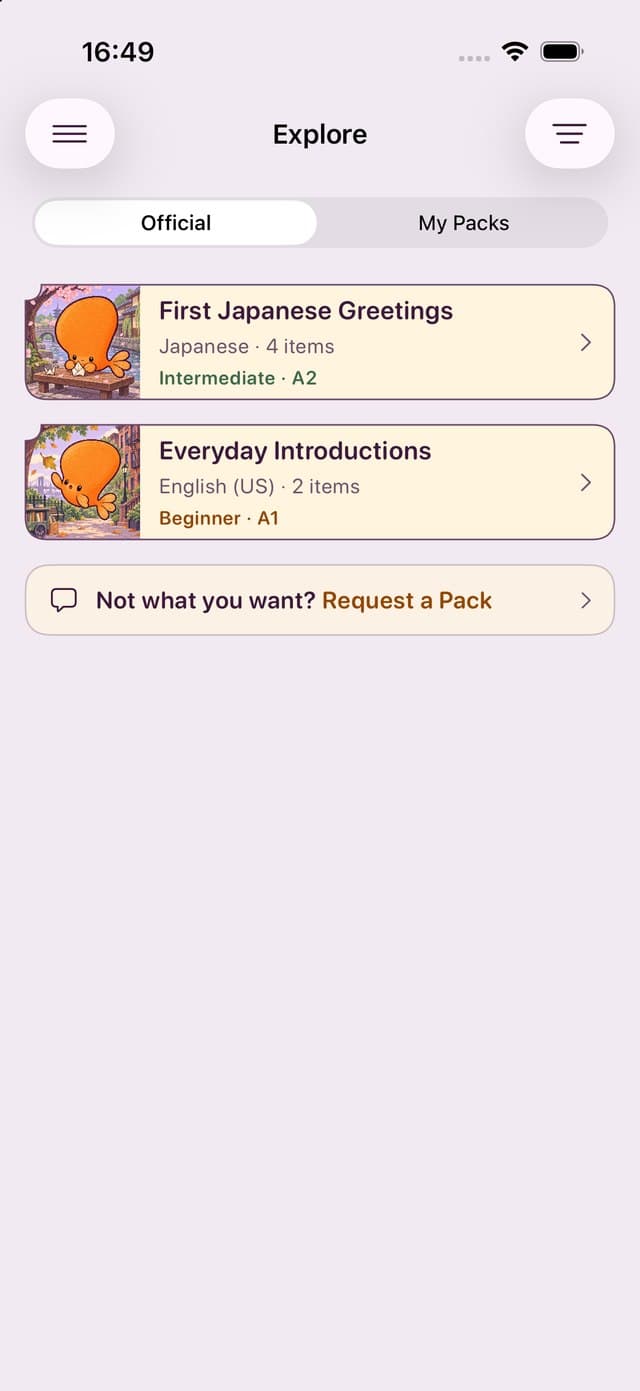
You can only export sets you made. Quizlet doesn’t let you export a set you copied from another user. Importers that work from a set link, such as Gizmo’s, are the other route. See Quizlet’s export help.
Going to Smort? Smort has no Quizlet importer. Import the text into Anki desktop, export that deck as an .apkg, and follow the Anki import guide. For a short list, paste the words into Smort AI to draft cards, then check each one.
Methodology and sources
Scope: Apps with a current iPhone app and a documented way to study flashcards. Smort's status shows whether it is on the App Store, in TestFlight, or coming soon.
Criteria: How each app takes Quizlet sets, how you review, and the price model. We use vendor help centers, pricing pages, and App Store listings, with the date each fact was checked.
What we did not do: We haven’t tested every app ourselves, so this guide has no scores or ratings. We make Smort and prefer spoken answers, but flipping a card can be quicker.
Primary sources: Quizlet subscription helpQuizlet study mode helpQuizlet ads helpQuizlet export helpKnowt plansUS App StoreKnowt Quizlet import helpGizmo free plan helpUS App StoreGizmo Quizlet import helpAnki websiteAnkiMobile manualUS App StoreAnki text import manualSmort websiteSmort Anki Deck AnalyzerBrainscape pricingUS App StoreBrainscape Anki import helpBrainscape import helpRemNote pricingUS App StoreRemNote Anki import helpRemNote importersMochi websiteAnki import documentationUS App StoreMochi import documentation